Visible self-service
Frequently requested information can be placed at entrances, lobbies, service areas, and circulation points.
 Talk to EduServs
 Information Kiosks
Information kiosks combine a public-facing display, approved content, clear navigation, suitable placement, and an operating process for keeping information accurate.
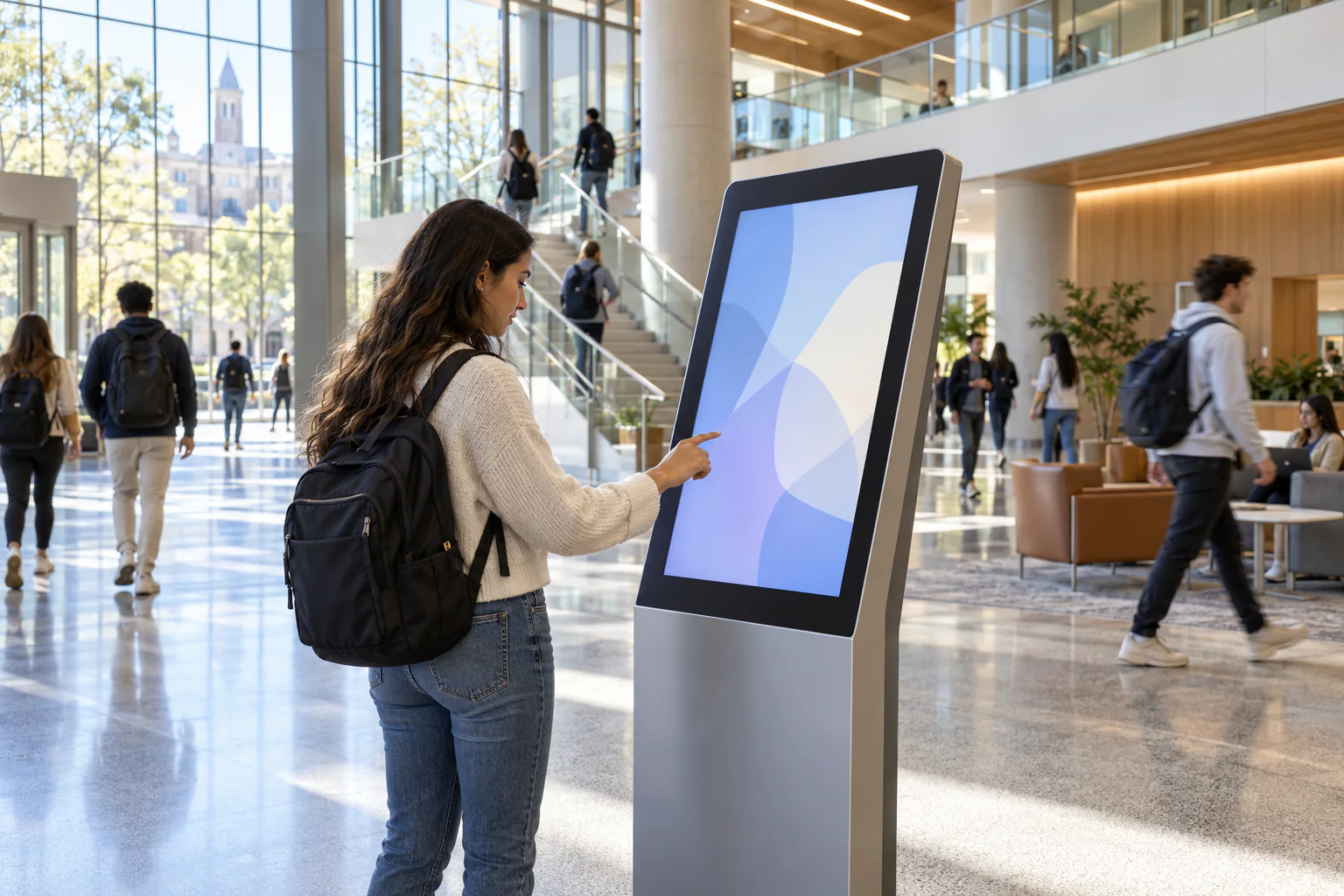
Product overview
The supplied catalogue documents digital standees, information displays, and touch/table interfaces, but does not define a dedicated kiosk model or full software specification. This page therefore explains a solution application rather than claiming an unverified product range.
A kiosk deployment should start with the questions visitors, students, or staff need to answer, then define content, interaction, accessibility, placement, connectivity, privacy, and support.
Practical value
Each benefit is tied to a documented capability and a clear user need.
Frequently requested information can be placed at entrances, lobbies, service areas, and circulation points.
Clear wayfinding and service information can help people answer common questions independently.
A defined publishing process helps the kiosk present information that is current and institutionally approved.
Placement, durability, accessibility, privacy, and support are considered around real public interaction.
Detailed capabilities
A kiosk can organise campus maps, building directions, departments, opening times, and service points into a public-facing information journey.
Approved notices, event schedules, welcome content, and urgent guidance can be surfaced where people enter or move through the institution.
The interaction model may use a touch interface or a display-led information format. The selected hardware and software must be confirmed because the catalogue does not define a universal kiosk configuration.
Documented signage products support Wi-Fi, USB, HDMI, and RJ45 options, but a kiosk-specific management platform is not described. Update workflow must therefore be explicitly designed.
Text size, contrast, physical reach, input method, language, session reset, and exposure of personal information should be reviewed before public deployment.
Power, network, stability, ventilation, public-area protection, cleaning, fault reporting, and content ownership form part of the solution.
Product in action
Service owner
Visitor or learner
Support team
Technical details
A dedicated kiosk specification is not present in the catalogue; these are scoping requirements.
| Area | Decision required | Why it matters |
|---|---|---|
| Interaction | Touch, non-touch, or hybrid | Determines interface, accessibility, and maintenance |
| Content | Wayfinding, directory, events, services, or forms | Defines information architecture and ownership |
| Placement | Indoor location, viewing approach, reach, circulation | Affects usability and physical safety |
| Connectivity | Networked, USB update, or local playback | Determines update and support workflow |
| Privacy | Session reset and personal-data boundaries | Protects public users |
| Support | Monitoring, cleaning, maintenance, and escalation | Keeps the point dependable |
A kiosk should be quoted only after hardware, enclosure, interface, software, content, accessibility, and support are confirmed.
Frequently asked questions
The catalogue shows digital standees, information displays, and touch/table products but does not provide a dedicated kiosk model specification.
That should not be assumed. Authentication, privacy, session reset, data integration, and security require separate design and approval.
Some documented signage hardware references Wi-Fi and network options, but a kiosk-specific content platform is not defined. The update method must be confirmed.
They come from the supplied 2022 catalogue and must be reconfirmed for current models, component substitutions, availability, warranty, and quotation.
Talk to EduServs